Windows 10 or later. Intel or AMD, 64-bit. Unsigned preview.
Windows may show an unknown-publisher prompt when you open the installer.
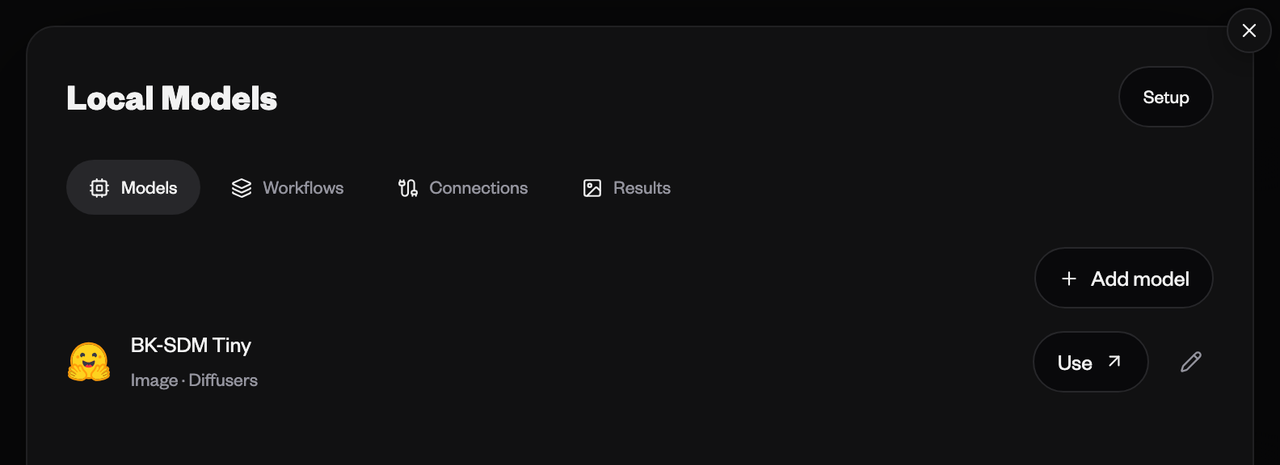
Local models, inside Sequencer
Shown on Mac. The Windows preview includes the same local model tools.
Your models, one model picker
Connect Diffusers or ComfyUI. Choose a saved model or workflow, enter a prompt and follow generation progress in Sequencer.
Every result in its place
Save local generations to your workspace and generation feed, or keep them on this device. Workspace Sync saves completed media to a folder.
Your computer, from any device
Adding a model enables remote generation. Request work from another device signed in to your Sequencer account. Your desktop runs the model and uploads the result.
Updates that fit your work
During the preview, install new versions from this page. Your models and settings stay in place. Automatic updates will arrive with the signed Windows release.
Start on Windows
Connect your local ComfyUI server or set up Diffusers. GPU compatibility is being tested in this preview.
Your projects, local model files and sync settings stay in place when the app updates.