Local models and remote generation are included in the Mac app.
Your models, one model picker
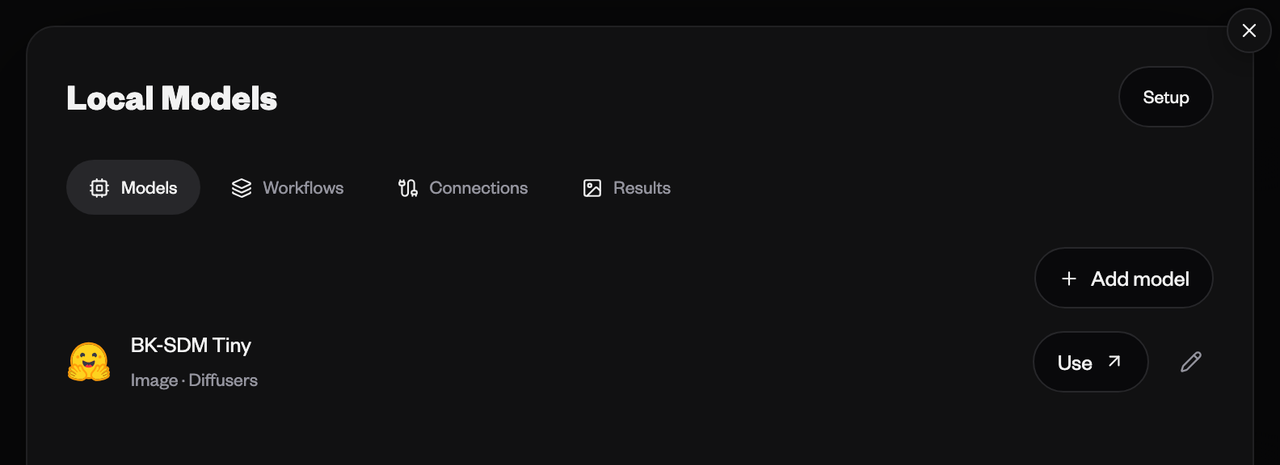
Connect Diffusers or ComfyUI. Choose a saved model or workflow, enter a prompt and follow generation progress in Sequencer.
Every result in its place
Save local generations to your workspace and generation feed, or keep them on this device. Workspace Sync saves completed media to a folder.
Your computer, from any device
Adding a model enables remote generation. Request work from another device signed in to your Sequencer account. Your desktop runs the model and uploads the result.
Updates that fit your work
New versions download in the background. Restart to update when you are ready, or let an update install when you quit after your work finishes.
Start on your Mac
Run Diffusers on Apple silicon, or connect to a local ComfyUI server on Apple silicon and Intel Macs.
Your projects, local model files and sync settings stay in place when the app updates.